




















.svg)
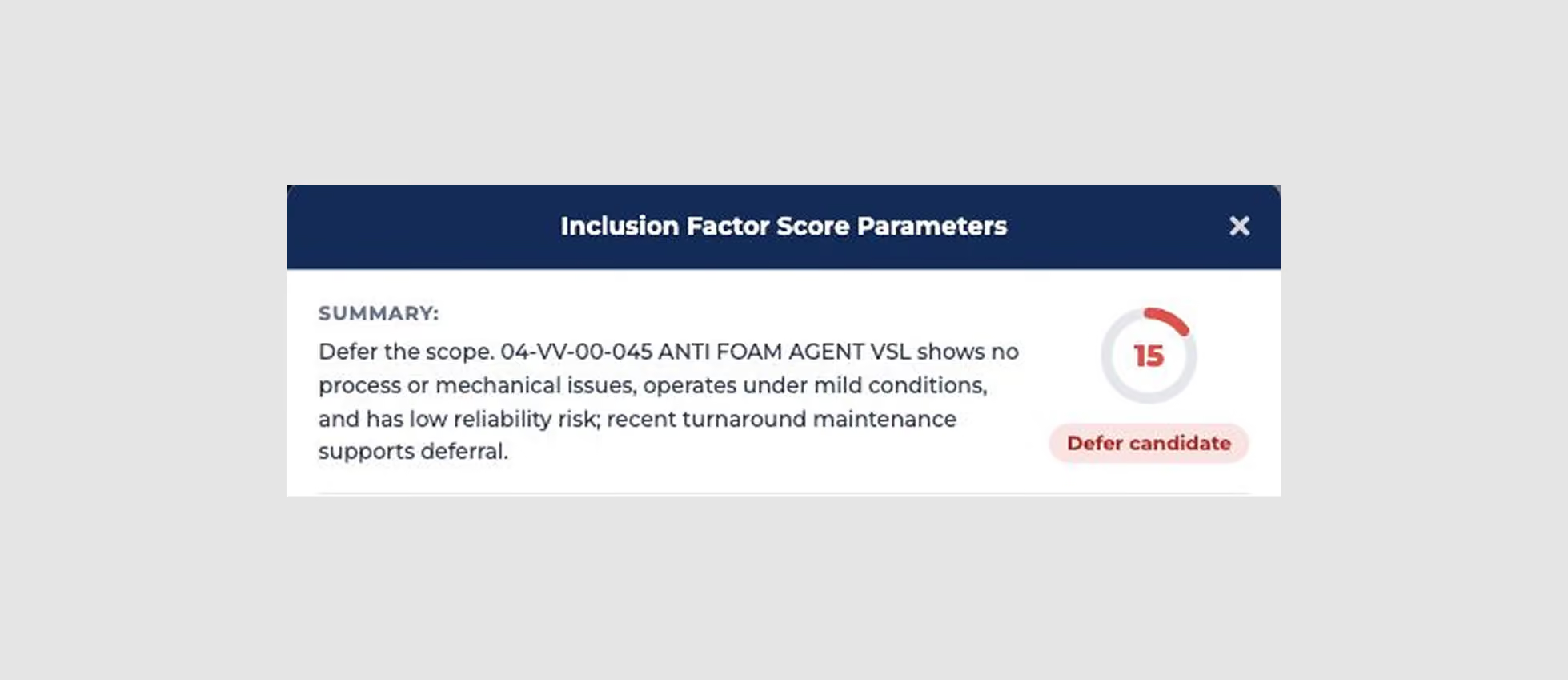
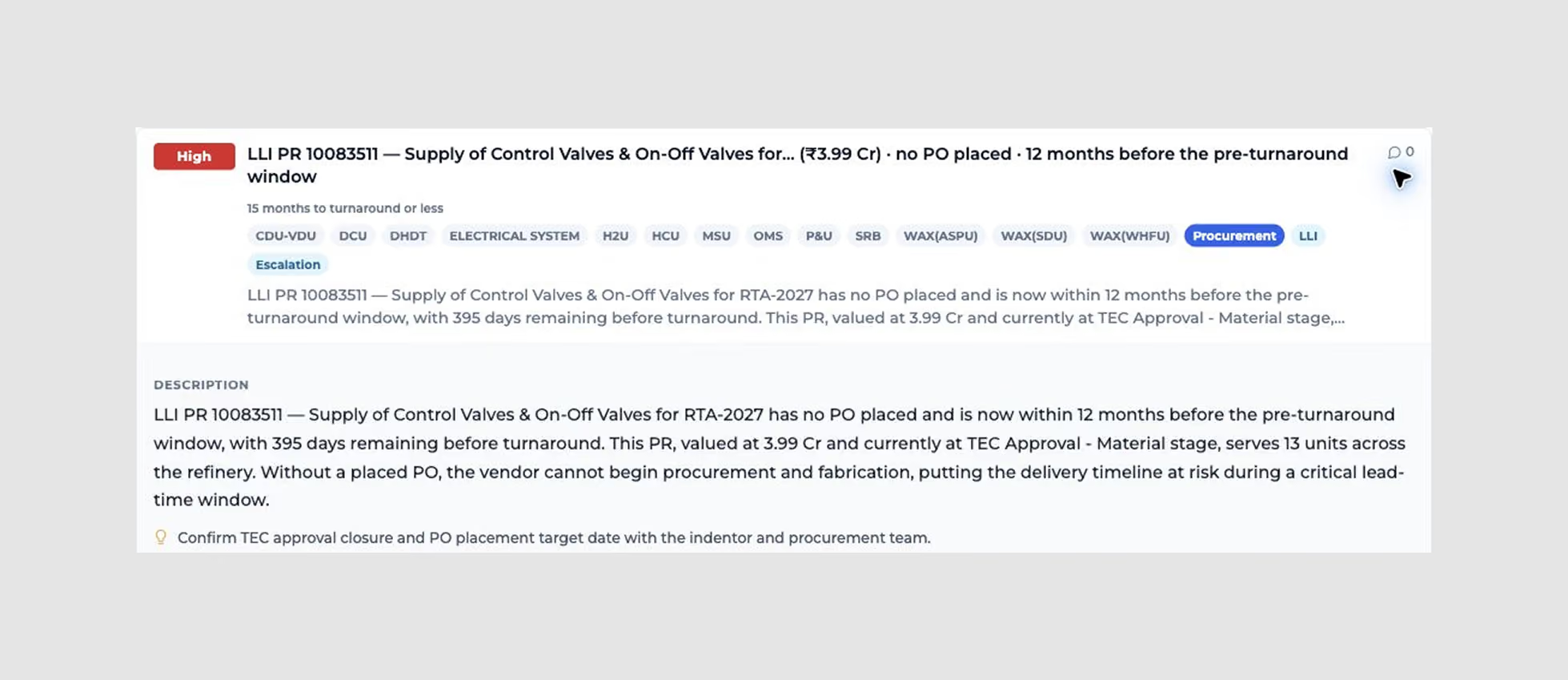
Turnaround Orchestrator brings connected job and equipment context, scope governance, preparedness reviews and execution monitoring into a shared workflow. EOS creates actionables, uses Inclusion Factor (IF) Score to suggest scope inclusion, review or deferral, and supports conversational drill-down, so a team can move from a readiness gap to an informed next action.
No. The deployment is designed around the systems you already use. Agreed exports or APIs supply the relevant data, while your team defines which system owns each record and how updates are reconciled.
Customers typically see value in under three months, starting with a focused release for one unit or use case, such as scope optimization or procurement readiness. We agree the inputs, review owners and success measures at the outset; timing depends on scope, data availability and integration needs.
Yes. T-Pulse TA Orchestrator supports deployment across multiple refineries and plants. Reuse data mappings, review structures and lessons across sites, while configuring each site’s asset hierarchy, readiness gates and workflows to its operating context.
No. Start with the records needed for a specific workflow: a scope register, equipment references, a baseline schedule or procurement status. Mapping and data-quality gaps need to be made visible and resolved with the data owners as coverage grows.
Deployment scope can include ERP and CMMS records, P6 or MS Project schedules, risk-based inspection (RBI) and management-of-change (MOC) data, and contractor or tender records. Where a system is not in place, Excel registers, inspection reports and other documents can provide the starting inputs. Previous turnaround reports and executed schedules can supply historical context. Confirm source formats, access and integration requirements during discovery.
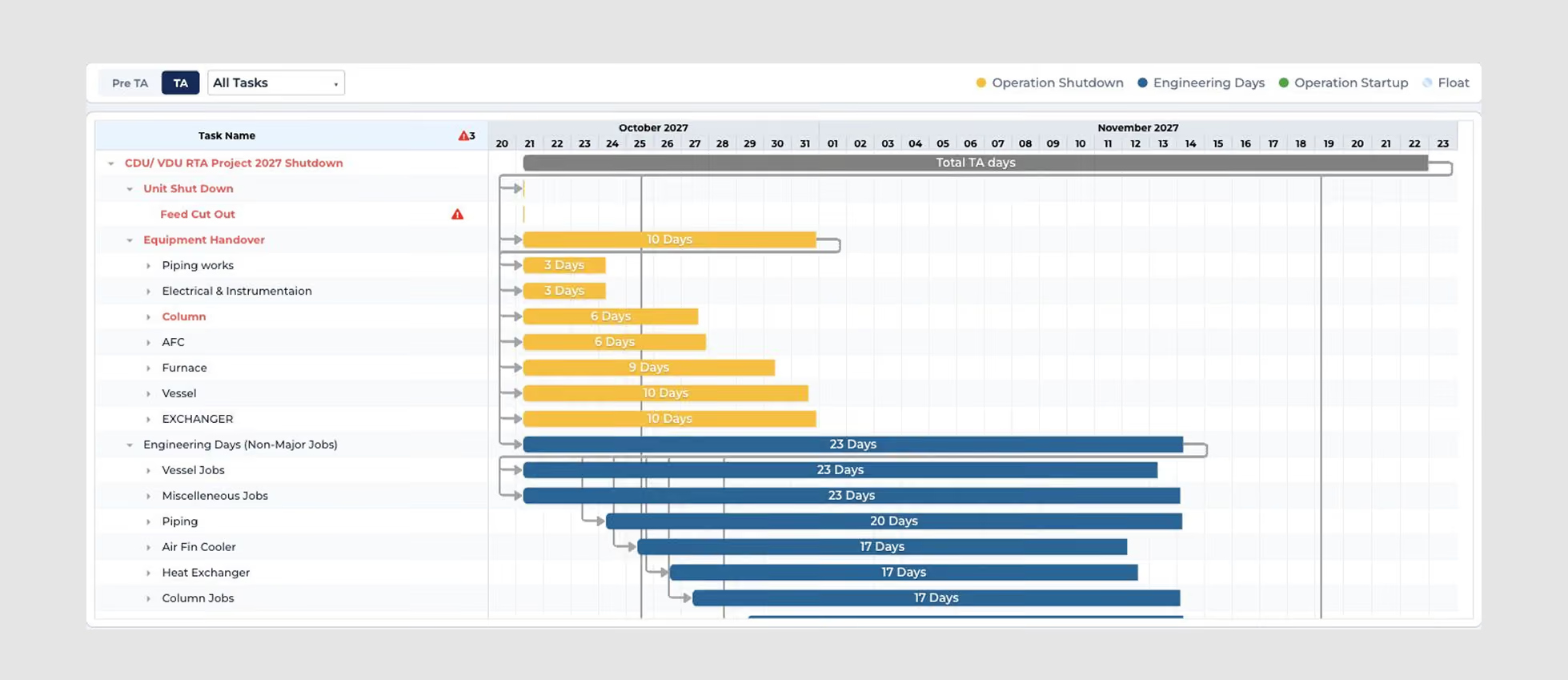
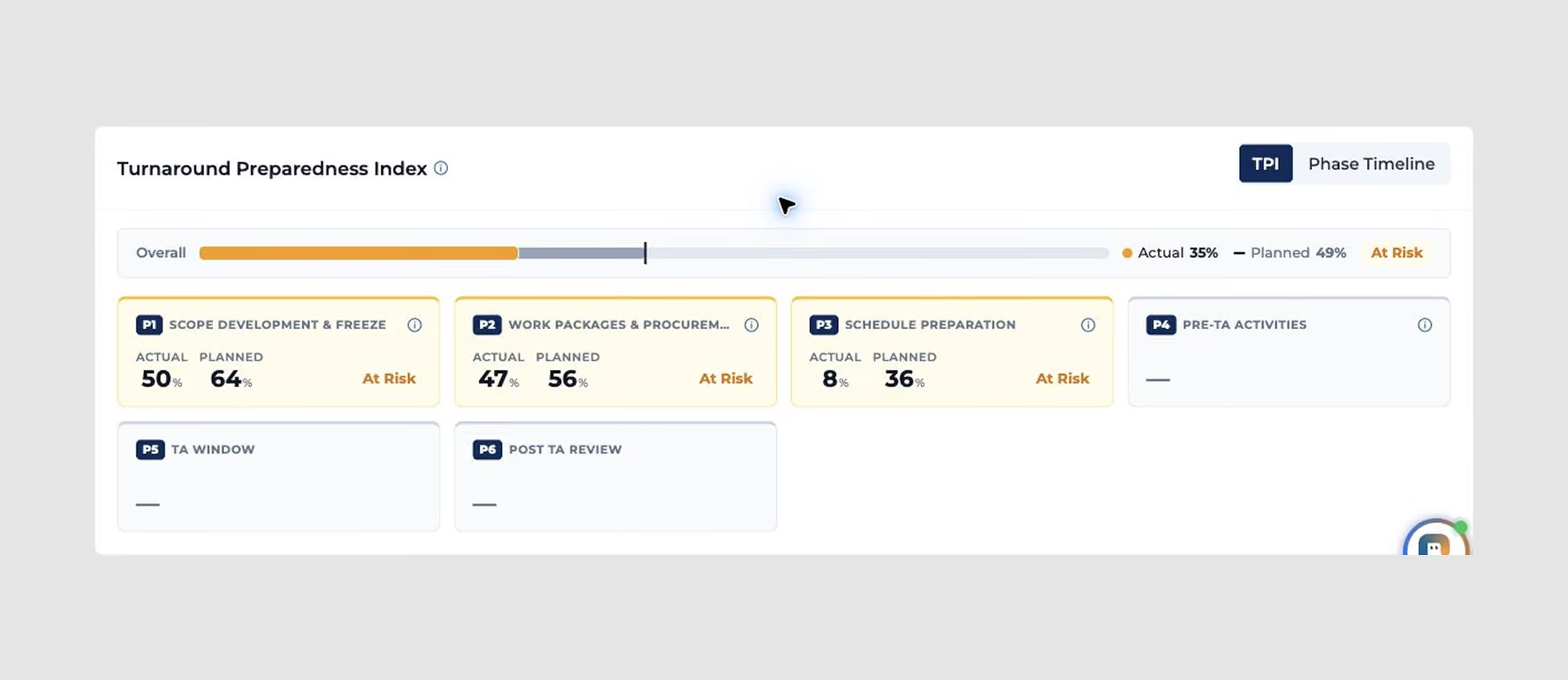
Yes. Default readiness gates provide a starting structure. Gates and their timing are configured during deployment to match your turnaround plan, and readiness is measured against that plan. The seven workflows on this page describe lifecycle coverage; the dashboard’s gate grouping follows the site configuration.
EOS generates actionables, supports investigation and drafts technical work packs from frozen scope. Your team reviews the technical content, completes the customer’s format and clauses, and retains approval authority. Visual milestone observations support progress monitoring; inspection acceptance and operating decisions remain with authorized personnel.
.svg)